
Guides
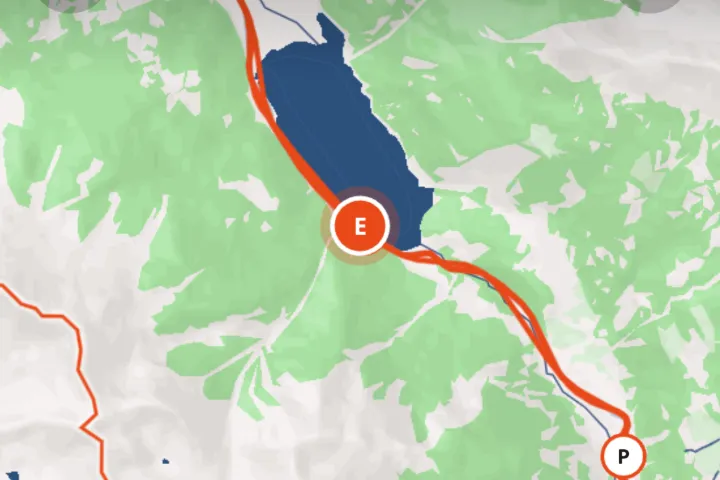 How to create a travel map from your photosYour photos already know where you were. How to turn them into an interactive travel map with your route, stops and photos, without tracking the trip.
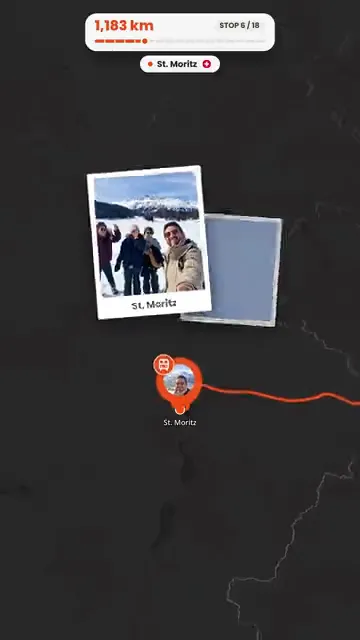 How to turn travel photos into an animated route videoStep by step, from trip photos to an animated route video for Reels, TikTok or Stories, including photos without GPS and fixing the route first.
 How to build a trip itinerary automatically from photosHow Troven turns your trip photos into a day-by-day itinerary with named stops, your tips and a story, and what to check before you share it.
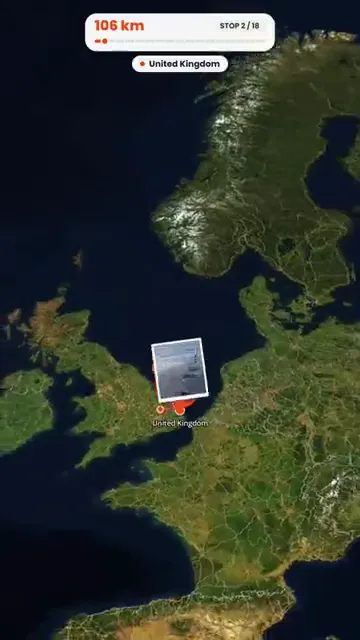 How to turn holiday photos into a travel ReelMake a travel Reel for Instagram, TikTok or Shorts from your holiday photos, without an editing app. Pick the photos, the pace and the music, then post.
 What to do when travel photos have no GPS dataWhy some travel photos have no location, how to check, and four ways to still get them on your trip map, from time matching to AI place recognition.
 How to reconstruct an old trip from photo GPS and timestampsRebuild a trip from years ago using the GPS and timestamps saved in your photos, plus what to do when the dates are wrong or the location is missing.
 How to organize hundreds of travel photos and share themCame home with hundreds of photos? Pick the best 120, let Troven turn them into a map, an itinerary and a route video, and share one link instead of an album.
 How to create travel maps without background location trackingHow to make a travel map from the photos you choose instead of tracking your trip, what a published map shows, and how to keep sensitive places off it.
What Troven makes
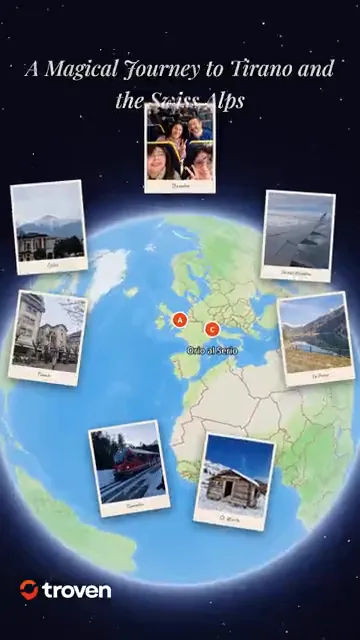 Route video makerCreate an animated travel route video from your photosTroven turns your trip photos into an animated route video, a map flythrough with your photos and music, ready for Reels, TikTok and Stories. Free.
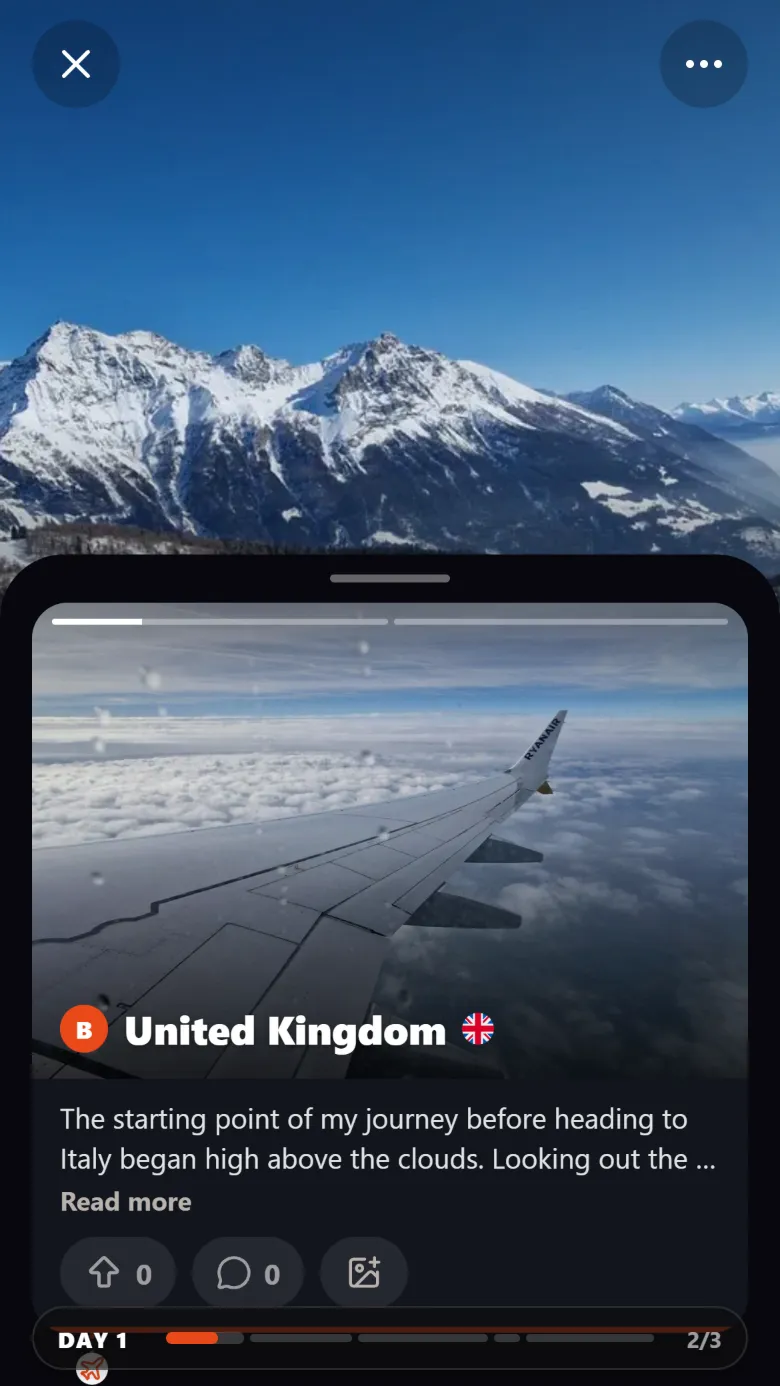 ItineraryAutomatically rebuild your trip itinerary from your photosTroven rebuilds your trip itinerary from your photos, day by day and stop by stop, with place names, your tips and a story. Edit anything, then share it.
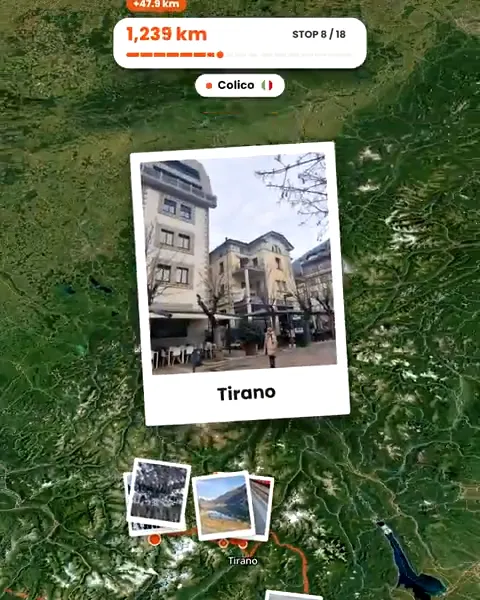
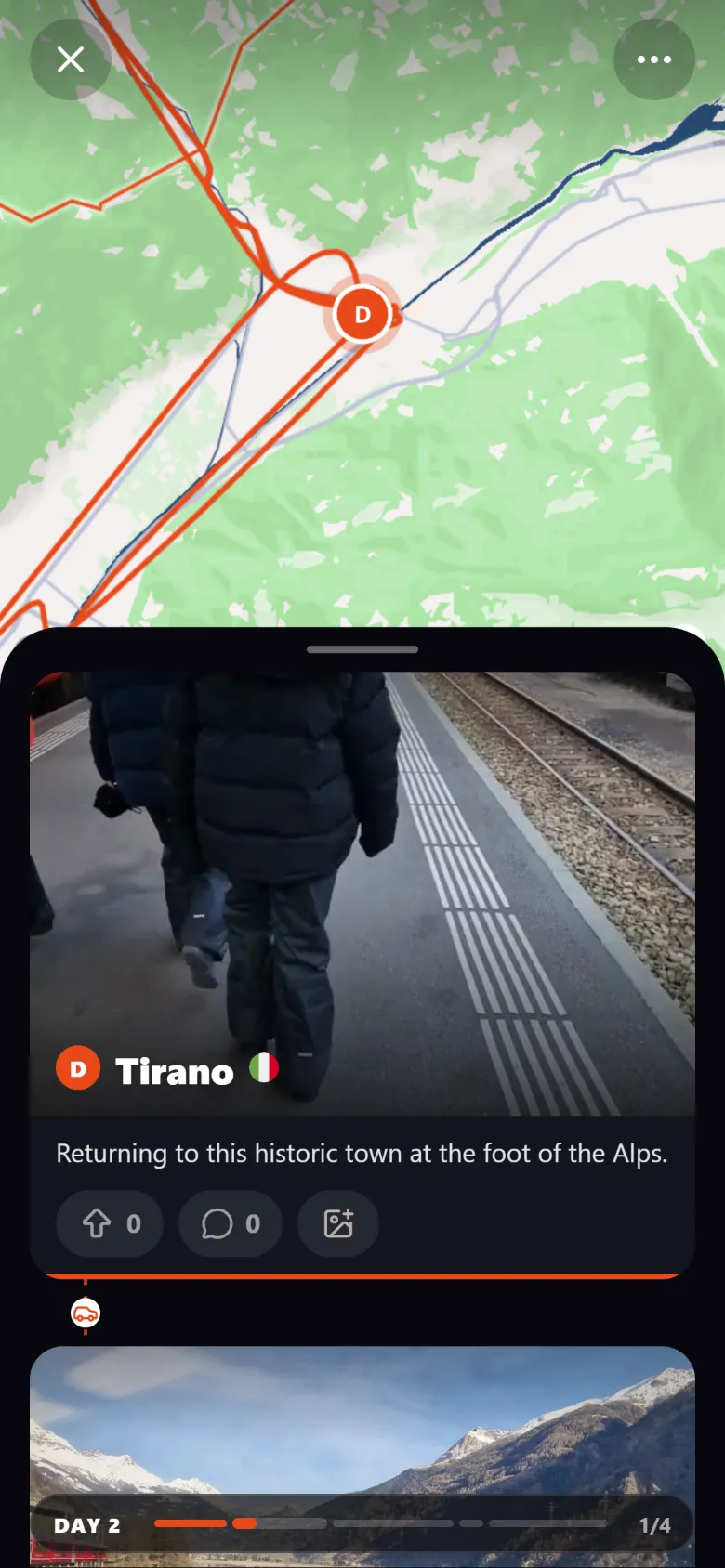 Travel mapCreate an interactive travel map from your photosTroven reads the location saved in your trip photos and builds an interactive travel map with your route, your stops and your photos. Free on the web.
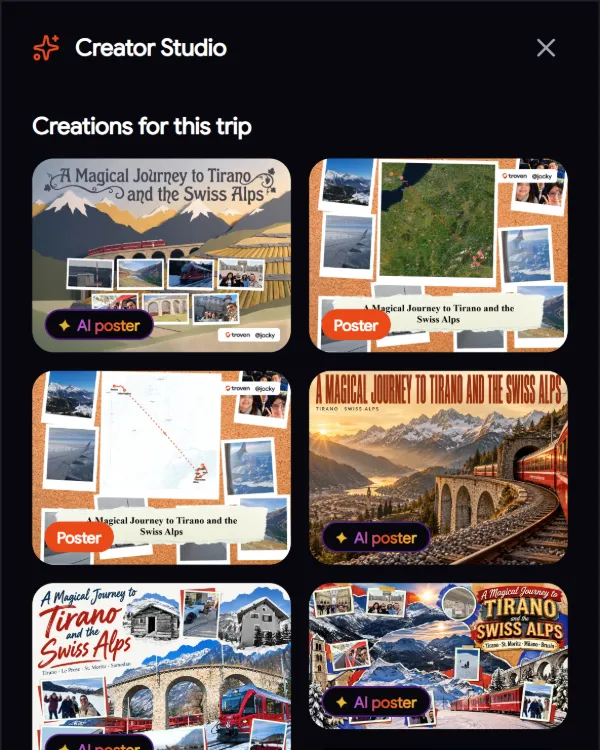
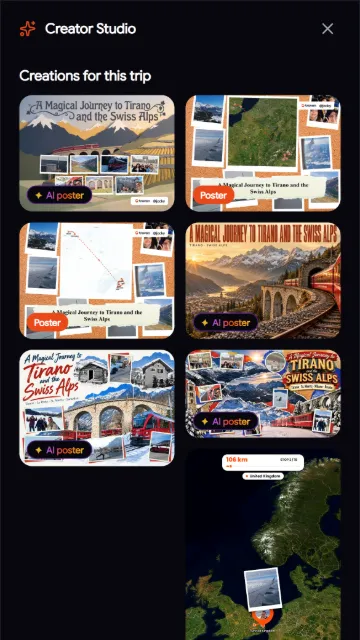
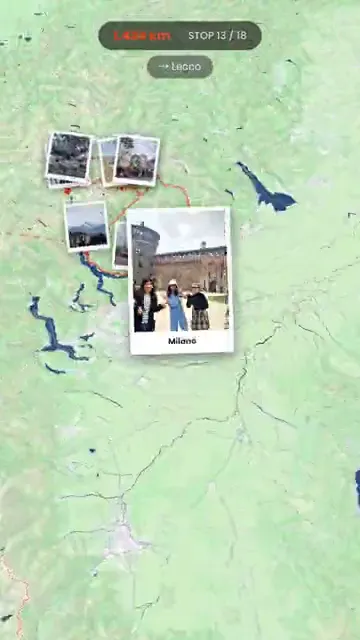 Travel ReelsTurn your trip photos into Reels, Shorts and StoriesTurn trip photos into a vertical route video for Instagram Reels, TikTok, YouTube Shorts and Stories, plus AI travel posters, without an editing app.
Troven compared
 ComparisonWhat are the best apps to make a travel route video?Troven, TravelBoast, Travel Animator, Mult.dev, Polarsteps, FindPenguins and Relive compared, by how each one builds the route and what you get.ComparisonTroven vs Travel Animator: which one should you use for your trip video?Travel Animator animates routes you plot with 3D vehicle models. Troven builds the route from your trip photos, with a map and an itinerary. How they differ.ComparisonTroven vs TravelBoast: which travel route video app fits your trip?TravelBoast animates a route you draw, with 3D vehicles. Troven builds the route from your trip photos and adds a map and an itinerary. How they differ.