
How it works
Upload one trip
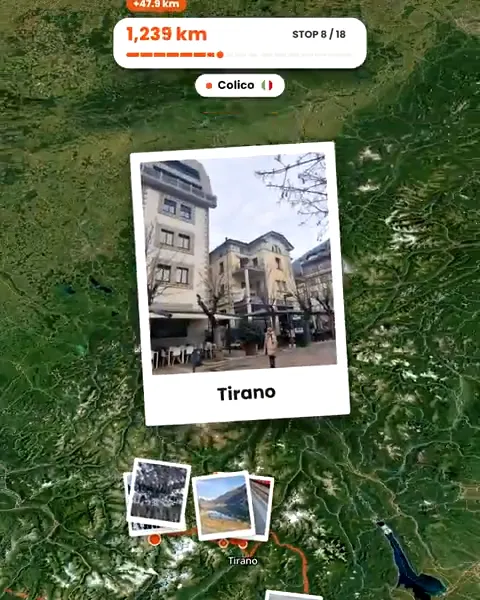
Add up to 120 photos and videos. Troven puts them on a map, in order, stop by stop.
Your trip is saved
Tap Create my video. Your trip is saved and the video editor opens with a live preview.
Create your video
Choose the Reel pace, a map style, the photos per stop and a song, then tap Generate video. About a minute on a computer, around three on a phone. Keep the tab open.
Share it your way
Download the MP4 or use your phone's share sheet. Your trips stay in your account, and you can make one public whenever you like.
Why a route video works as a Reel
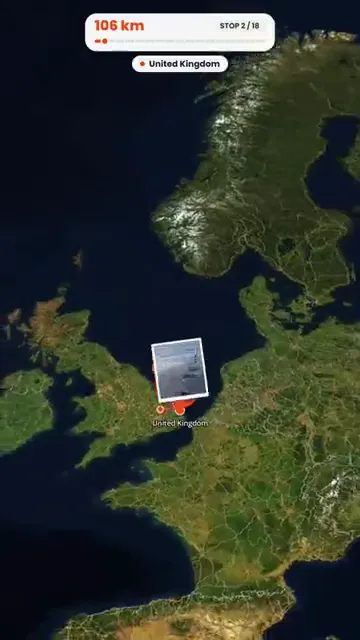
Most travel Reels are a string of clips that could be anywhere. A route video shows the trip itself: where you started, how you moved and what you saw at each stop, in the order it happened. It is quick to watch and hard to confuse with anyone else’s holiday.
Make it yours
- Map style: ten looks, from dark and white to satellite, blueprint and pencil.
- Photos: up to five per stop, the ones you choose, 1 to 3 seconds each; video clips play for 2 to 6 seconds.
- Music: a track from Troven’s catalogue timed to the beat, or your own song for a version you download.
- Friends: show the avatars of the people who travelled with you.
Posters for the feed
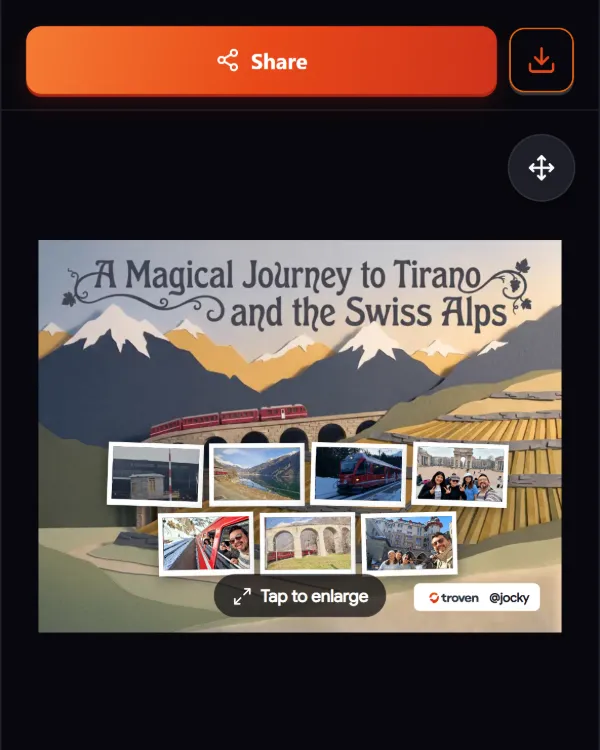
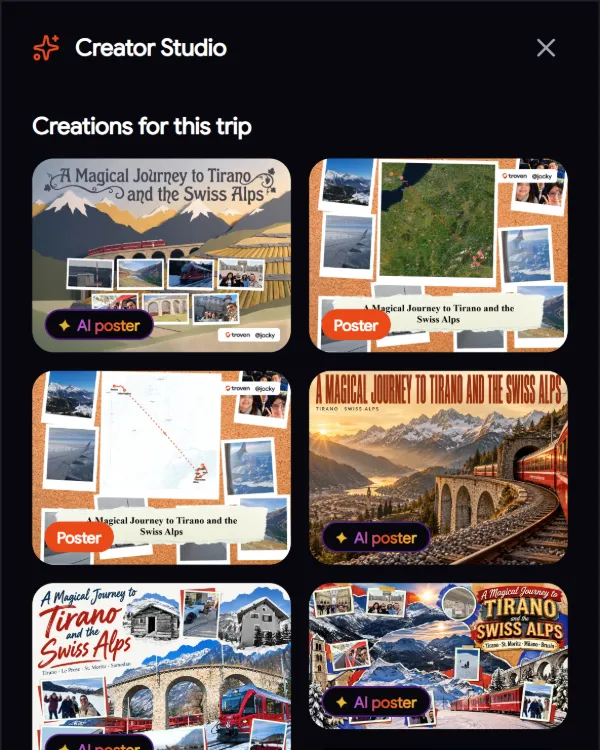
Next to the video, the Creator Studio makes AI travel posters from your best photos, up to five per trip. Pick the photos, a style and a format, and the AI designs the poster with your trip’s title.
Good to know
The Troven logo appears in the video’s intro and on its closing card. If you use your own song, that version is for download only, and you confirm you have the rights to it.
Questions, answered
Which platforms is the video made for?
How long is the video?
Can I post directly from Troven to Instagram or TikTok?
What are AI travel posters?
Is it free?
Is there an app to install?
Your photos already hold the trip.
Upload them and see your route, map and itinerary come together. Free on the web.
Keep reading
 GuideHow to turn holiday photos into a travel ReelMake a travel Reel for Instagram, TikTok or Shorts from your holiday photos, without an editing app. Pick the photos, the pace and the music, then post.
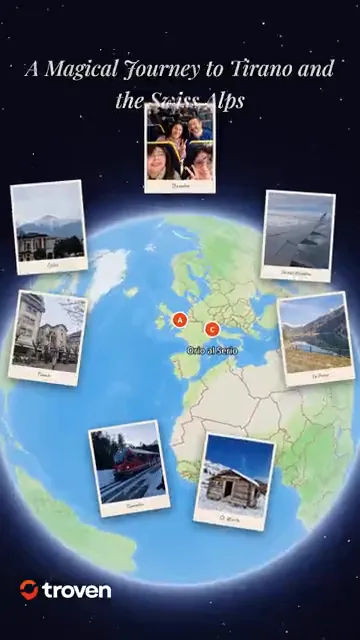 ProductCreate an animated travel route video from your photosTroven turns your trip photos into an animated route video, a map flythrough with your photos and music, ready for Reels, TikTok and Stories. Free.
 GuideHow to organize hundreds of travel photos and share themCame home with hundreds of photos? Pick the best 120, let Troven turn them into a map, an itinerary and a route video, and share one link instead of an album.