
How to choose
Your photos have a location
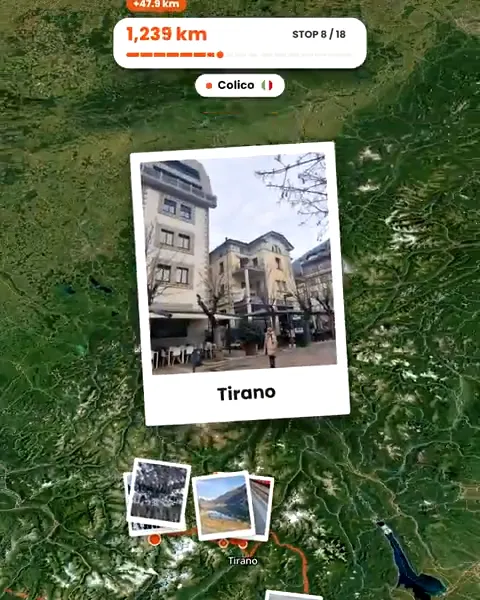
Troven reads it and builds the stops and the route for you. TravelBoast does not document reading photo locations.
You want a specific path or vehicle
TravelBoast lets you pin every point, import a GPX track and pick from hundreds of vehicles.
You want more than a video
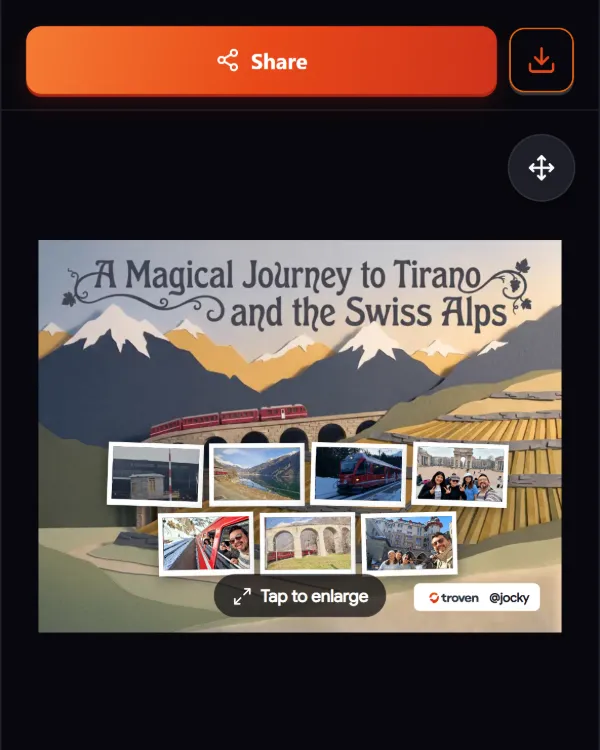
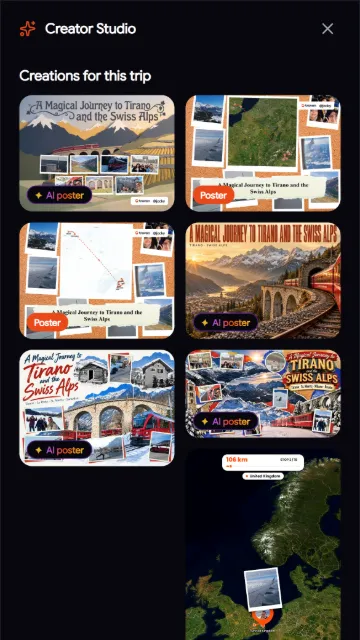
Troven also gives you a trip page with an interactive map, an itinerary and AI posters.
You need 4K
TravelBoast offers 4K on its paid plan. Troven exports up to 1080p.
The difference in one line
TravelBoast starts from a route you draw. Troven starts from the photos you already took.
Side by side
| Troven | TravelBoast | |
|---|---|---|
| Made by | Troven | Alexsandr Kuznetsov (iOS), Urobots GmbH (Android) |
| Where it runs | Any browser today; iOS and Android apps launching soon | iOS, iPadOS, Android, Mac with Apple silicon |
| How the route is made | Built from the location and time in your photos; you edit the stops | You pin stops, or import GPX or Google Maps |
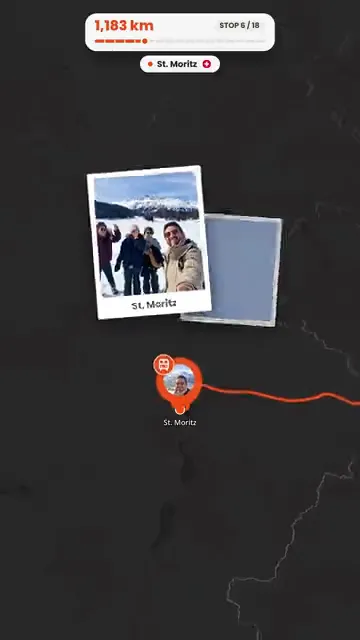
| Photos in the video | Placed automatically at their stops, up to 5 per stop | Added by hand to points, as annotations |
| Look | 10 map styles, 4 paces, music timed to the beat | 3D globe and vehicles (160 to 300, depending on the source) |
| Export | MP4 up to 1080p; 9:16, 4:5, 1:1 or 16:9 | Up to 4K on the paid plan |
| Beyond the video | Trip page with interactive map, itinerary, AI posters | Video only |
| Pricing model | Free on the web | Free download; weekly, monthly or yearly subscription |
| Branding | Troven logo in the intro and closing card | Watermark on the free tier |
| Location tracking | None | None |
Where TravelBoast is stronger
- Control over the path. You decide exactly where the line goes, including for trips with few or no photos, or trips you are only planning.
- Vehicles and 3D. Hundreds of planes, trains and cars on a 3D globe, which Troven does not have.
- 4K. Available on its paid plan.
- Native apps today. It runs as an app on iPhone, Android and Mac.
Where Troven is different
- No drawing. If your photos have a location, the stops and the route come from them, in the order you visited.
- Your photos are the content. They appear at the places they were taken, without placing them one by one.
- A trip, not just a clip. You also get a public trip page with an interactive map, a day-by-day itinerary and AI posters.
- Works in the browser now. Nothing to install, and iOS and Android apps are launching soon.
Troven needs photos with a location to build the route on its own. Without them, you describe the trip or place the stops by hand; see what to do when travel photos have no GPS.
Sources
Checked on 24 September 2026. Prices and features change; check the vendor’s page before deciding.
Questions, answered
Does TravelBoast read the location of my photos?
Which one is free?
Do the videos carry a watermark?
Can I use it on a computer?
Your photos already hold the trip.
Upload them and see your route, map and itinerary come together. Free on the web.
Keep reading
 ComparisonWhat are the best apps to make a travel route video?Troven, TravelBoast, Travel Animator, Mult.dev, Polarsteps, FindPenguins and Relive compared, by how each one builds the route and what you get.
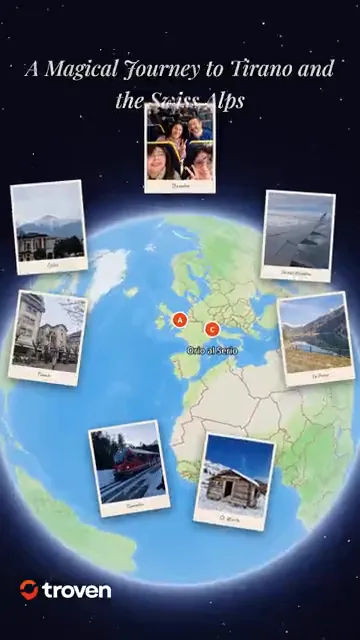 ProductCreate an animated travel route video from your photosTroven turns your trip photos into an animated route video, a map flythrough with your photos and music, ready for Reels, TikTok and Stories. Free.
 GuideHow to turn travel photos into an animated route videoStep by step, from trip photos to an animated route video for Reels, TikTok or Stories, including photos without GPS and fixing the route first.