
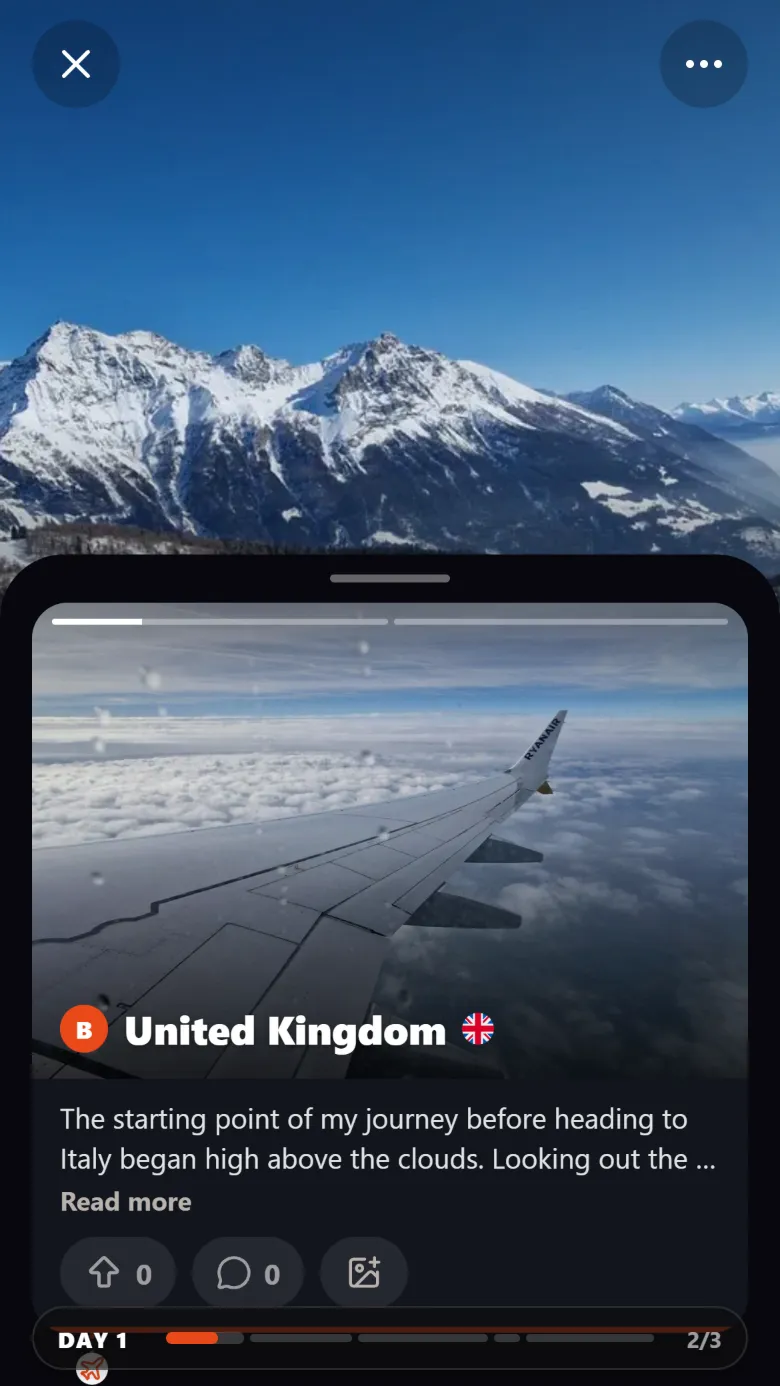
How it works
Upload the trip
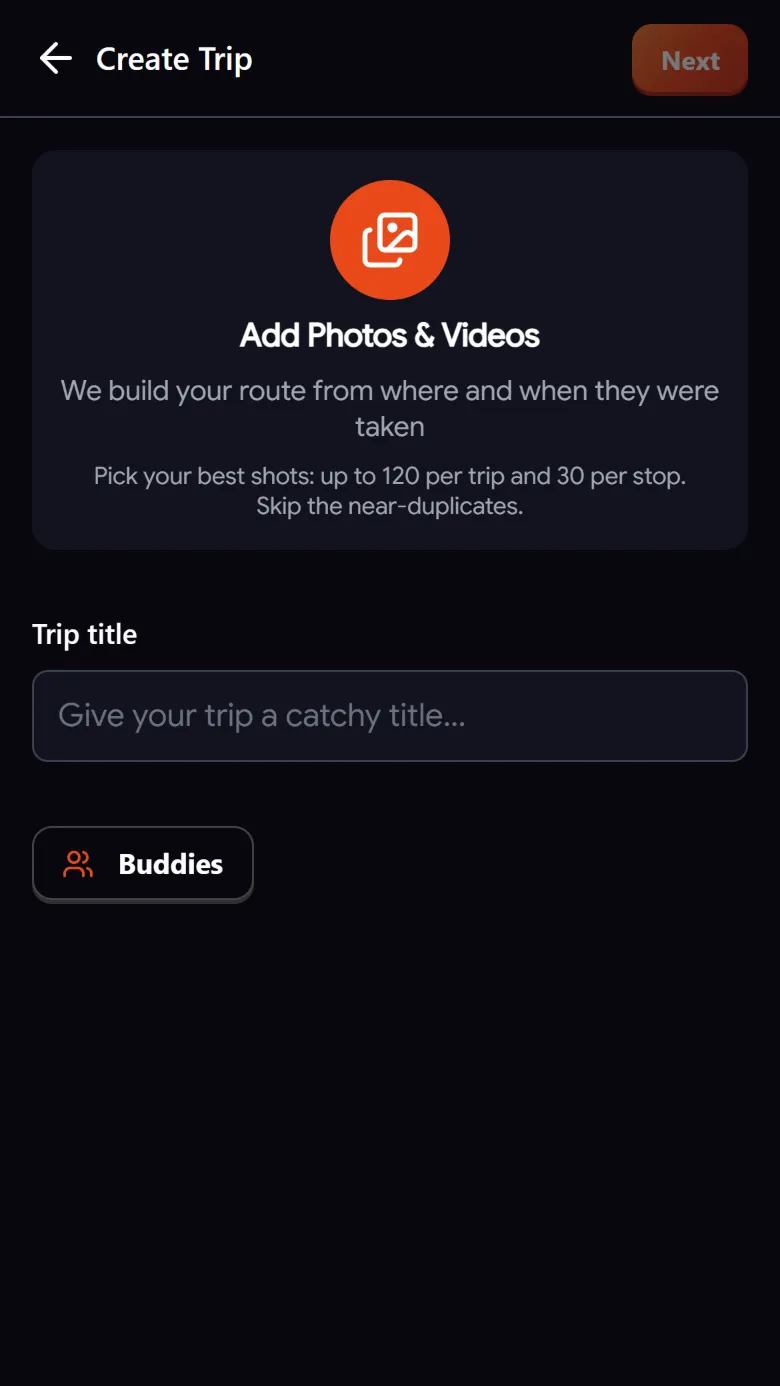
Add the photos and videos from one trip. Troven reads each file's date and location in your browser.
Days and stops appear
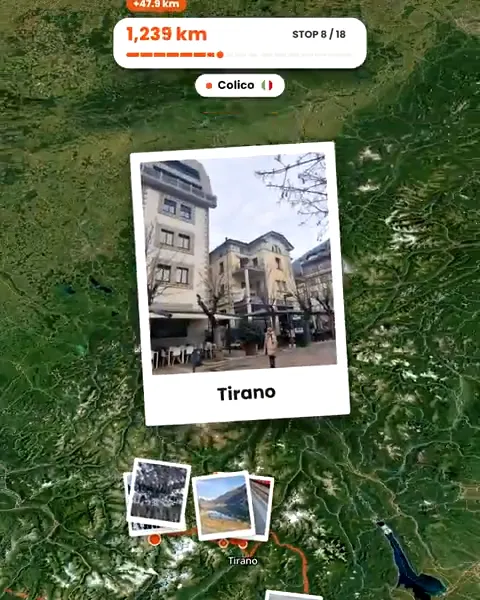
Photos taken close together become a stop, named after the place, grouped into the days you took them.
Tell the story
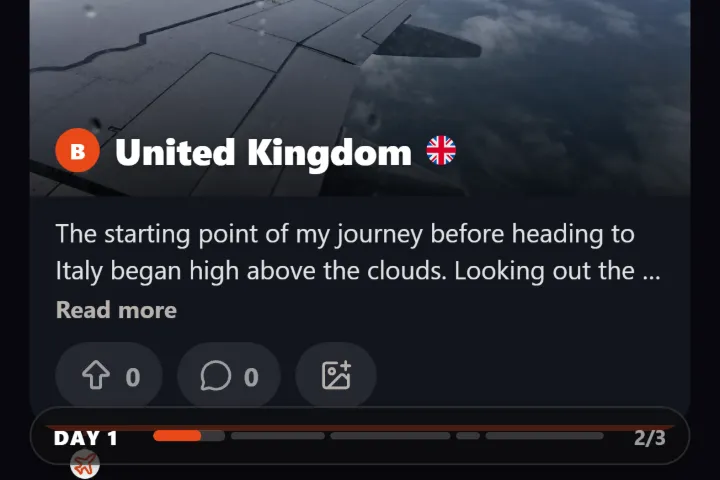
Type or record a voice note about the trip. The AI turns it into stop descriptions and pulls out your tips.
Review and save
Reorder stops, move photos between days, add a title and a story. Your trip is saved, ready to make public whenever you like.
How the days and stops are built
Troven sorts your photos by the time they were taken. Photos within a few hundred metres of each other become one stop, and coming back to a place later in the trip starts a new one. Each stop is named after the landmark or place nearby, and days follow the date on your camera. When a trip covers three or more cities, stops are grouped by city so the itinerary stays readable.
Your words, organized
You can describe the trip in your own words, typed or as voice notes of up to a minute each. Troven’s AI writes a short description for each stop, turns the recommendations you mention into tips on the right stop, and adds places you talk about but did not photograph. It never moves the stops your photos placed.
What you can edit
- Reorder stops by dragging them.
- Add a stop by searching for a place or tapping the map.
- Move photos to another stop or day.
- Change the date of a day, or delete a stop or a whole day.
- Pick how you travelled each leg, from walking to train, boat or plane.
When you save
Troven suggests a title from your stops, like “Lecco → Sankt Moritz”, and you can write the story yourself or let the AI improve your draft. Your trip then lives at its own link with the itinerary, the map and your photos.
Questions, answered
Do I have to write the itinerary myself?
Can I change the order or add places I did not photograph?
What if my camera had the wrong date?
Can other people use my itinerary?
Can I plan a future trip with it?
Is it free?
Is there an app to install?

Your photos already hold the trip.
Upload them and see your route, map and itinerary come together. Free on the web.
Keep reading
 GuideHow to build a trip itinerary automatically from photosHow Troven turns your trip photos into a day-by-day itinerary with named stops, your tips and a story, and what to check before you share it.
 GuideHow to reconstruct an old trip from photo GPS and timestampsRebuild a trip from years ago using the GPS and timestamps saved in your photos, plus what to do when the dates are wrong or the location is missing.
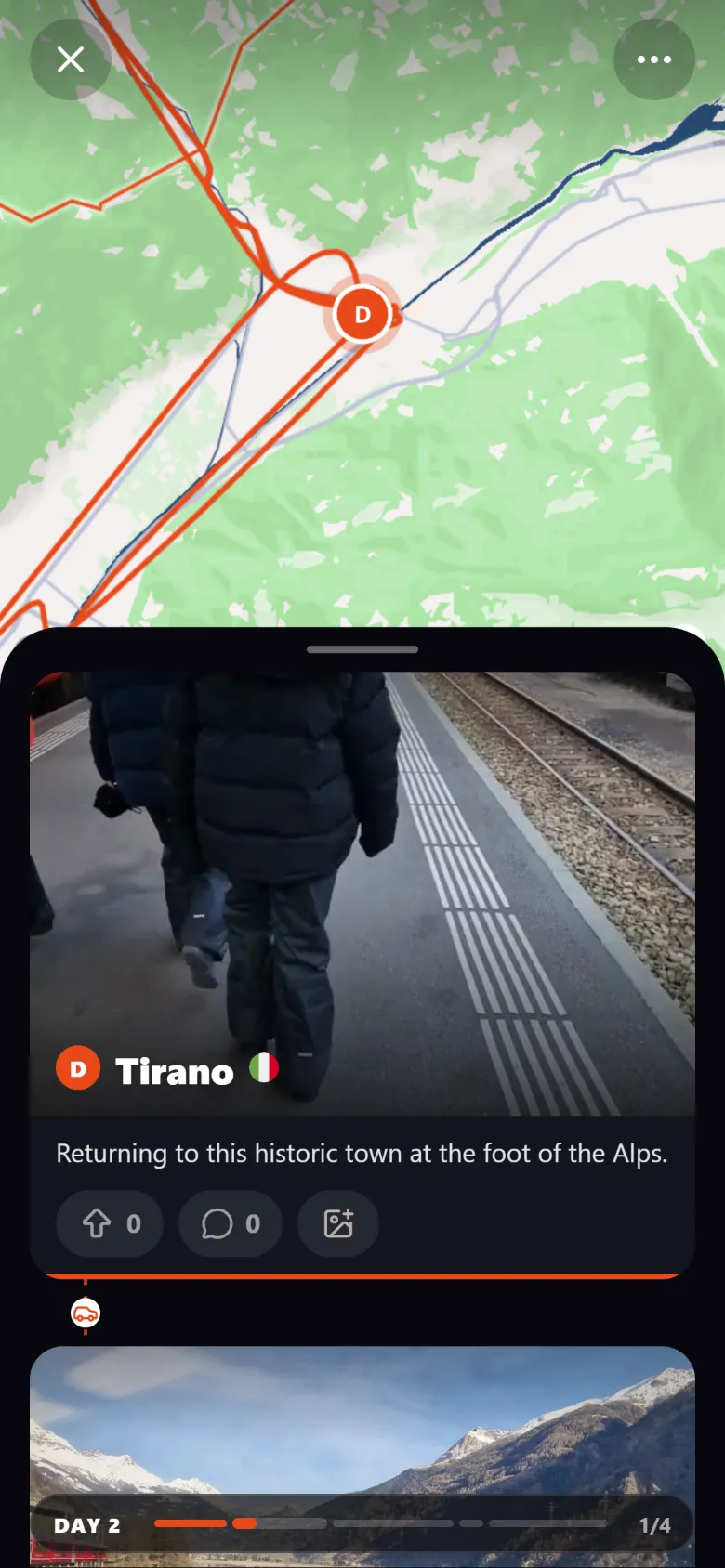 ProductCreate an interactive travel map from your photosTroven reads the location saved in your trip photos and builds an interactive travel map with your route, your stops and your photos. Free on the web.