
How it works
Cut to the best
Pick up to 120 photos and videos, and no more than 30 for any one place. Skip near-duplicates.
Upload the selection
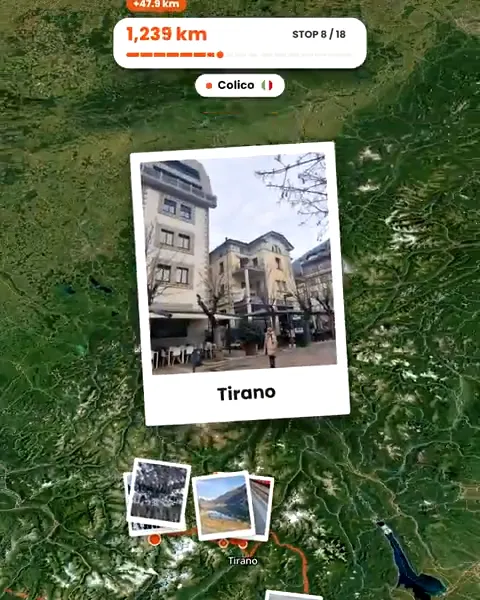
Troven orders them by time and place, grouping them into stops and days on a map.
Tell the story
Add a few lines or a voice note per day. Troven turns it into descriptions and tips.
Share one thing
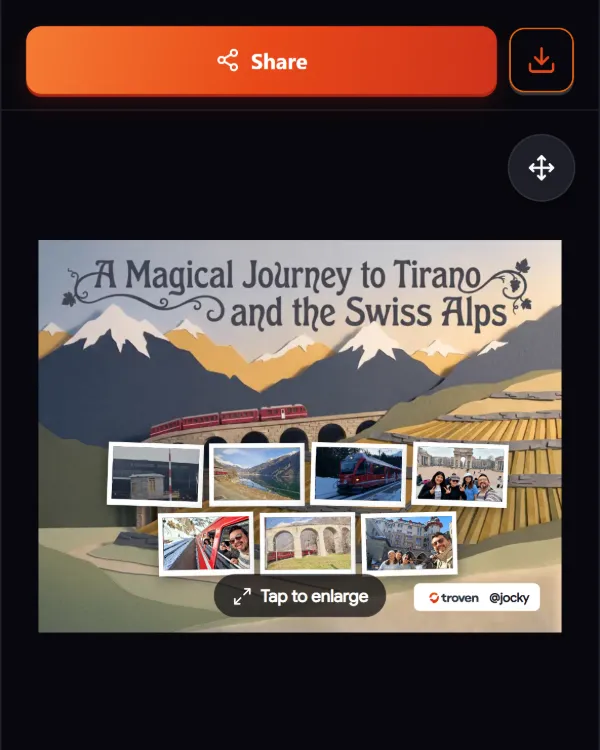
Send the trip link, post the route video, or share an AI poster from your best shots.
Choosing fast
Going through hundreds of photos is the slow part. A quick way to get to a good selection:
- One pass per day. Open each day of the trip and keep the photos that show where you were, what you did and who was there.
- One shot per moment. From a burst or a row of similar photos, keep the sharpest.
- Places over plates. A wide shot that shows the place tells more than a close-up that could be anywhere.
- A few clips. Short videos bring the route video to life at the stops you loved.
Keep the originals from your camera roll: they carry the time and place Troven uses to build the trip. Troven stores photos at up to 1920 pixels, so it is for sharing the trip, not a backup of your library.
What the selection becomes
- A trip page with your route on a map, the days and stops in order, your photos and your tips.
- A route video, your trip animated on a map with your photos and music, vertical for Reels and Stories.
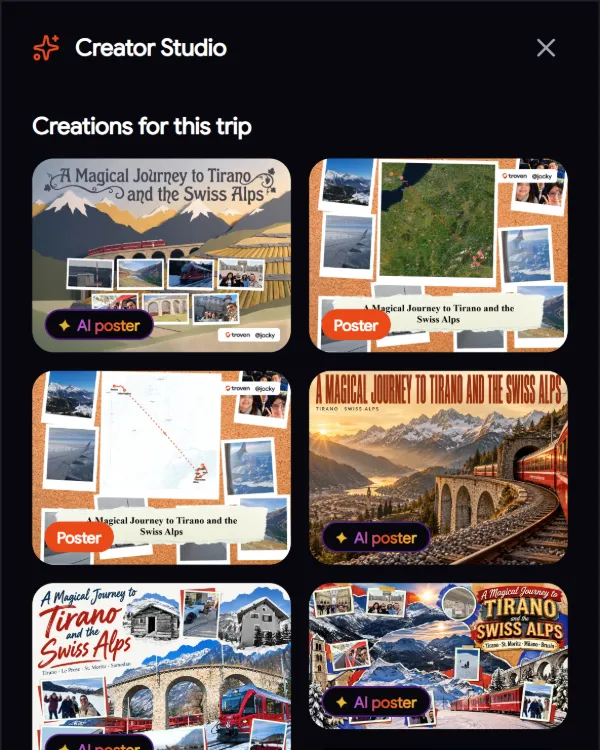
- AI posters designed from the photos you pick, up to five per trip.
- Digital magnets for your Virtual Fridge: publish a finished trip with enough photos and each city or country with several of your shots earns one, up to six per trip.
Sharing it with the people who were there
Invite the friends you travelled with as Travel Buddies. They add their own photos to the same trip, so one page holds everyone’s angles, and their avatars appear on the trip and, if you like, in the video.
Questions, answered
Why only 120 photos?
Does Troven remove duplicates?
What is the easiest thing to share?
Can friends add their photos to the same trip?
Your photos already hold the trip.
Upload them and see your route, map and itinerary come together. Free on the web.
Keep reading
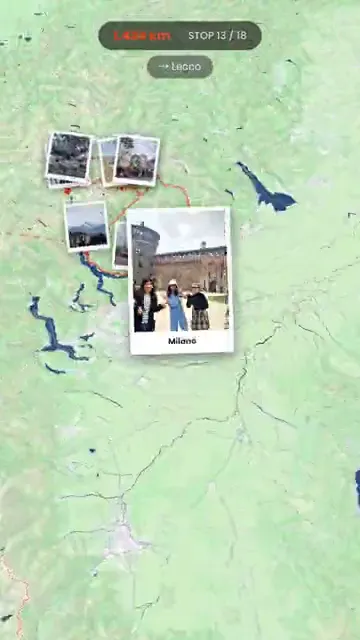 ProductTurn your trip photos into Reels, Shorts and StoriesTurn trip photos into a vertical route video for Instagram Reels, TikTok, YouTube Shorts and Stories, plus AI travel posters, without an editing app.
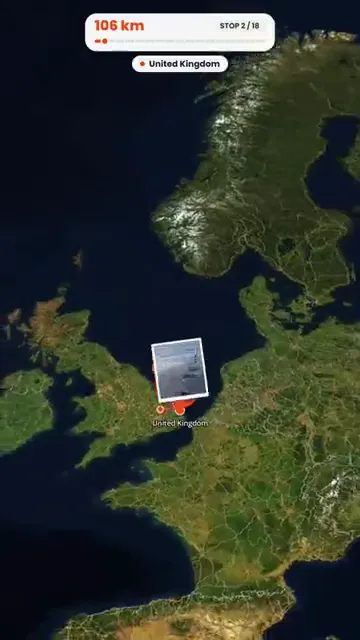 GuideHow to turn holiday photos into a travel ReelMake a travel Reel for Instagram, TikTok or Shorts from your holiday photos, without an editing app. Pick the photos, the pace and the music, then post.
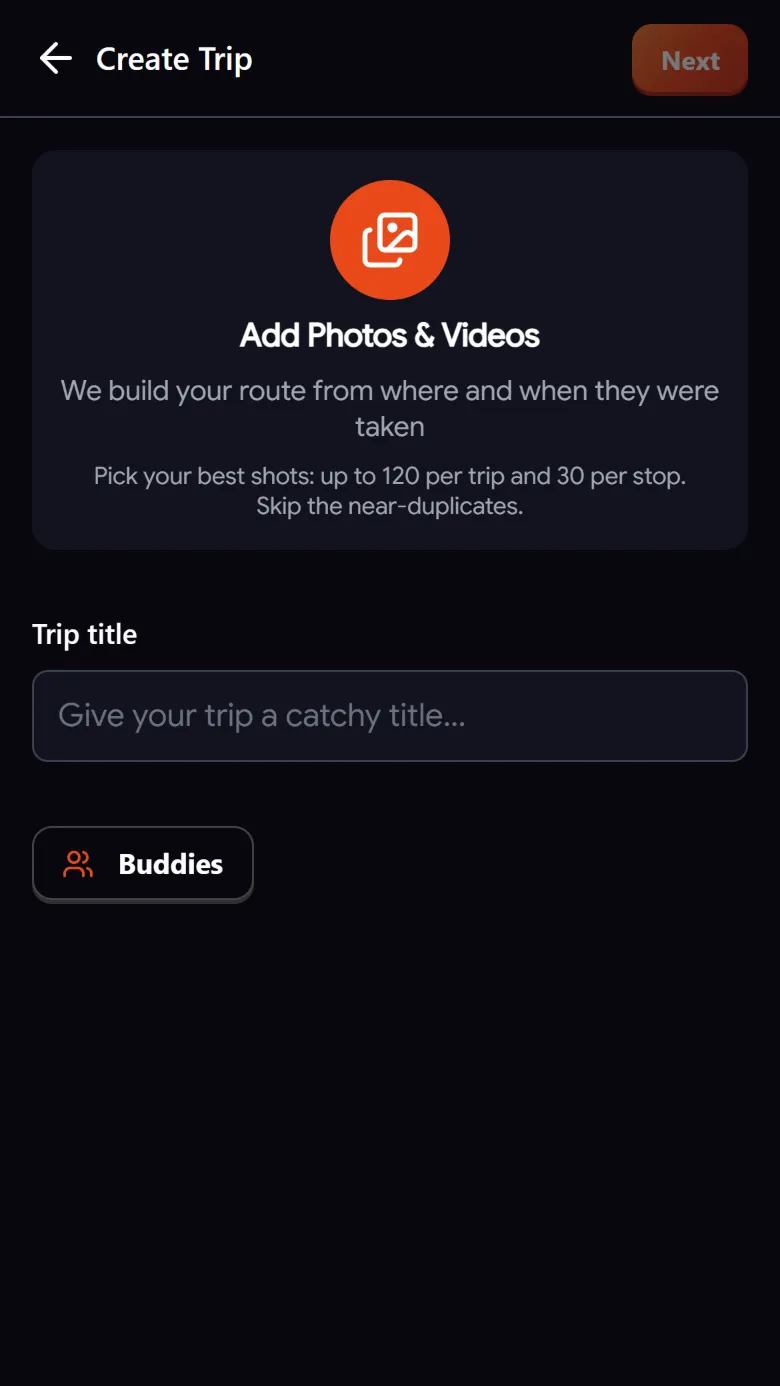 GuideHow to build a trip itinerary automatically from photosHow Troven turns your trip photos into a day-by-day itinerary with named stops, your tips and a story, and what to check before you share it.